Configuring the reader experience
On the web
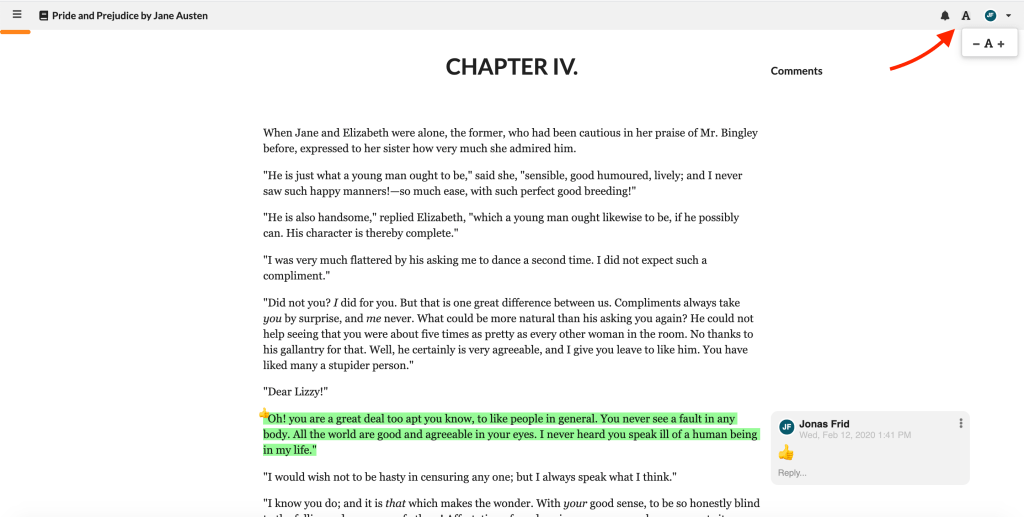
You'll find the font size button in the top of the e-reader.
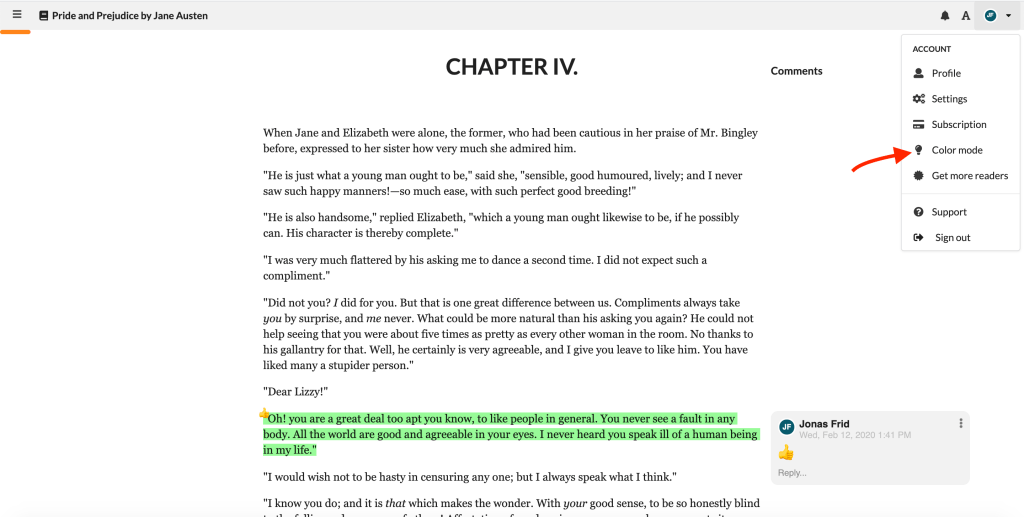
The color mode switcher is in the user dropdown menu.
In the smartphone app
The color mode and font settings are on top of the book/manuscript view.
This allows readers to customize their reading experience for maximum comfort.
Screenshots