How do I split a chapter?
You can split a chapter by clicking the Scissors icon between two paragraphs.
A new chapter will then be forged out of the text below the cut mark.
Important notes:
Screenshots
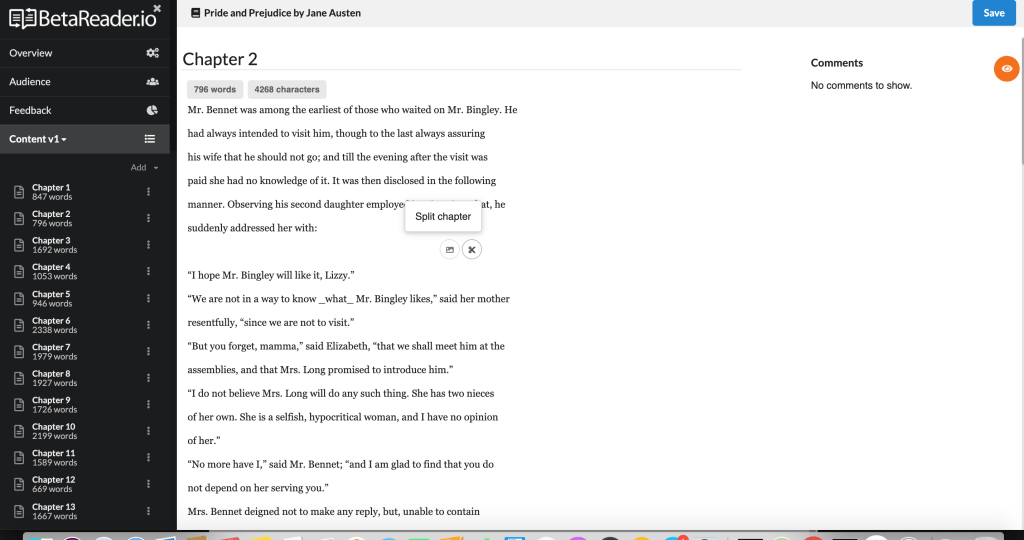
You can split a chapter by clicking the Scissors icon between two paragraphs.
A new chapter will then be forged out of the text below the cut mark.
Important notes: